
Make an Inquiry

* Indicates a required field

Hyundai Reboots IONIQ as EV Brand
Hyundai Reboots IONIQ as EV Brand

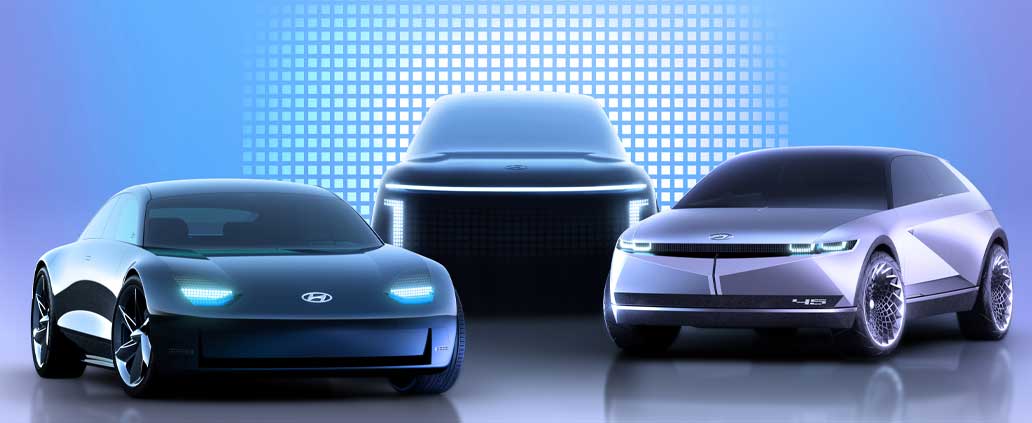
The Hyundai IONIQ stands out for its beginnings as the first electric vehicle to offer three powertrains - hybrid electric, plug-in hybrid and battery electric. The latest IONIQ has made improvements and is now equipped with plenty of driver assistance technology, a spacious cabin and a generous volume of cargo capacity in the back. With the reboot of the IONIQ brand dedicated to eco-friendly mobility, we can expect these features and more as Hyundai expands the electric vehicle line with a range of models to be launched over the next four years.


Read More

Tips for Keeping Your Car Dependable

Hyundai Dependability

Tips for Keeping Your Car Dependable

As a car owner, you have a responsibility to maintain your vehicle to ensure it retains its good working condition. Slacking off on maintenance could mean that small problems snowball into larger ones. Fortunately, car maintenance does not have to be expensive or time-consuming. Here are a few tips on how to keep your car dependable.

Read More

5 Things to Do During Covid-19 Social Distancing

Workspace  

As COVID-19 spreads around the world, the most effective way to reduce and prevent the virus from spreading is to practice social distancing. Social distancing means isolating yourself from your friends, family, and Co-workers to avoid further infections. If at all you have to socialize, you should restrict your gatherings to a minimum of 10 people.

Read More
Categories: ,

How to Update Maps on your Hyundai Vehicle?

Hyundai Navigation
 

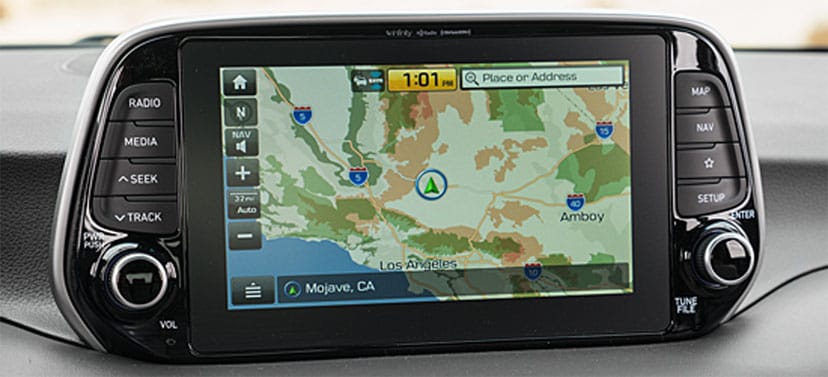
When you buy a Hyundai model that was manufactured in 2017 or after, you get a navigation system that provides you with maps and traffic updates. Along with this service comes three years of free updates to your maps. Hyundai typically makes these updates in the spring and fall months. While you can have these maps updated at your next service appointment at Vandergriff Hyundai, you also have the option to upgrade them on your own. It's a pretty easy process that requires the use of a computer with an SD card reader.

Read More